
How to Watch Live Sports Legally Online in 2026
Sports rights vary by country, competition, and season. The reliable way to watch is to identify the official broadcaster or licensed streaming service for your location, then confirm the event schedule and access requirements on that service's own site.
Start with the Rights Holder in Your Region
Some events are available without an additional subscription through public broadcasters, free tiers, or limited promotional coverage. Others require a paid package. Availability changes frequently, so search the competition's official website for its current broadcast-partner list rather than relying on an old channel list.
A Legal Viewing Checklist
- Confirm the source: Use the official competition, club, league, or broadcaster website.
- Check your location: Broadcast rights and free coverage can differ by region.
- Read the access terms: A free account, television licence, or paid subscription may still be required.
- Use authorised credentials: StreamHub is a media player and should only be used with provider details and content you are permitted to access.
A VPN does not grant viewing rights. Do not use one to evade a broadcaster's regional restrictions or service terms.

Connection Privacy with Proton VPN
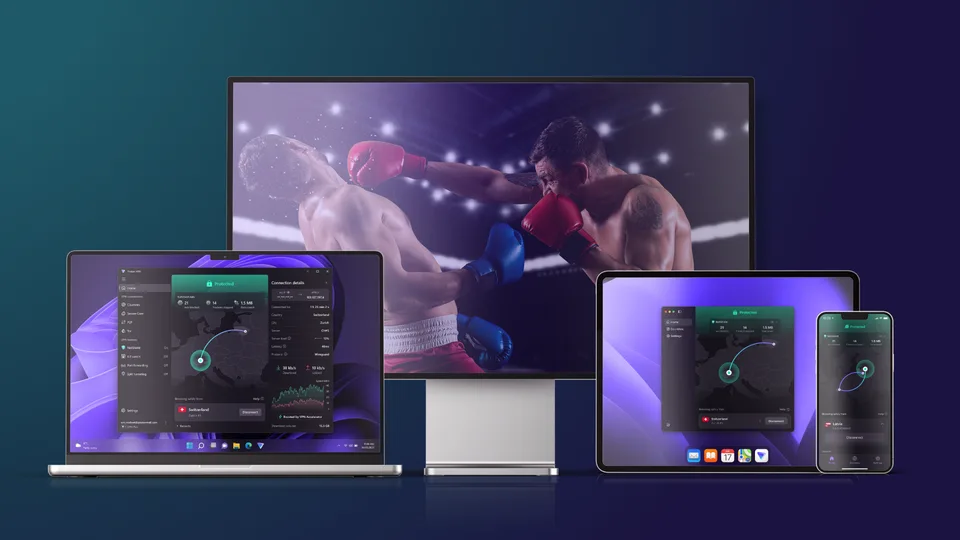
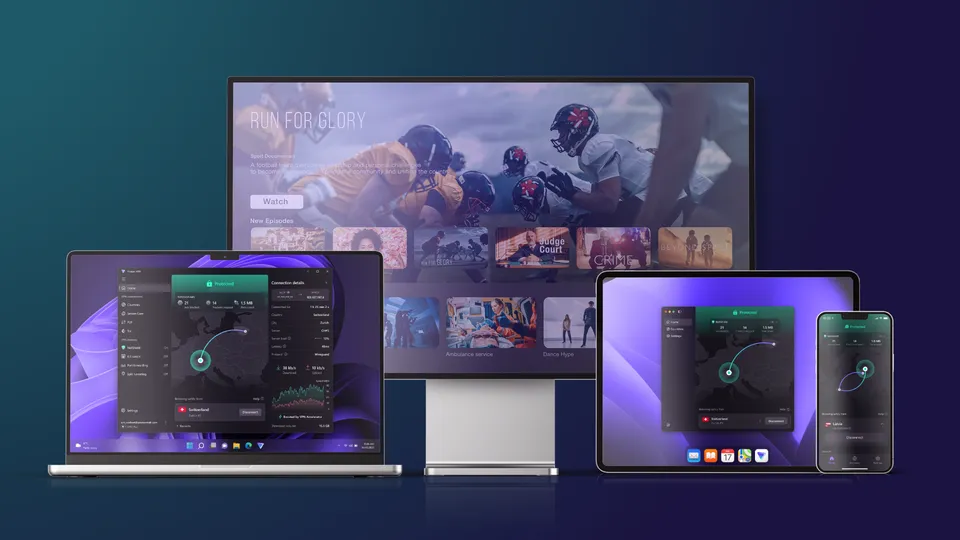
Proton VPN is a separate privacy service that can encrypt traffic on supported devices, which can be useful on shared or public networks.
- Review current features on Proton's official site
- Confirm support for your device before purchase
- Expect some connection overhead from encryption
- Follow broadcaster terms and local law
Prepare Your Device for an Official Stream
Once you have confirmed an authorised source:
- Step 1: Install the broadcaster's official application or open its official website.
- Step 2: Sign in with the account or subscription required for your location.
- Step 3: Test playback before the event and update the application if needed.
- Step 4: If playback is unstable, compare Wi-Fi and Ethernet, restart the device, and check the broadcaster's service status.
Watch Through Authorised Sources
Use official schedules and licensed broadcasters, verify access terms for your region, and treat a VPN only as an optional privacy tool. StreamHub does not provide channels, sports rights, subscriptions, or access to third-party broadcasts.