
M3U and Xtream Codes
Use the playlist URL or account details supplied by your provider.
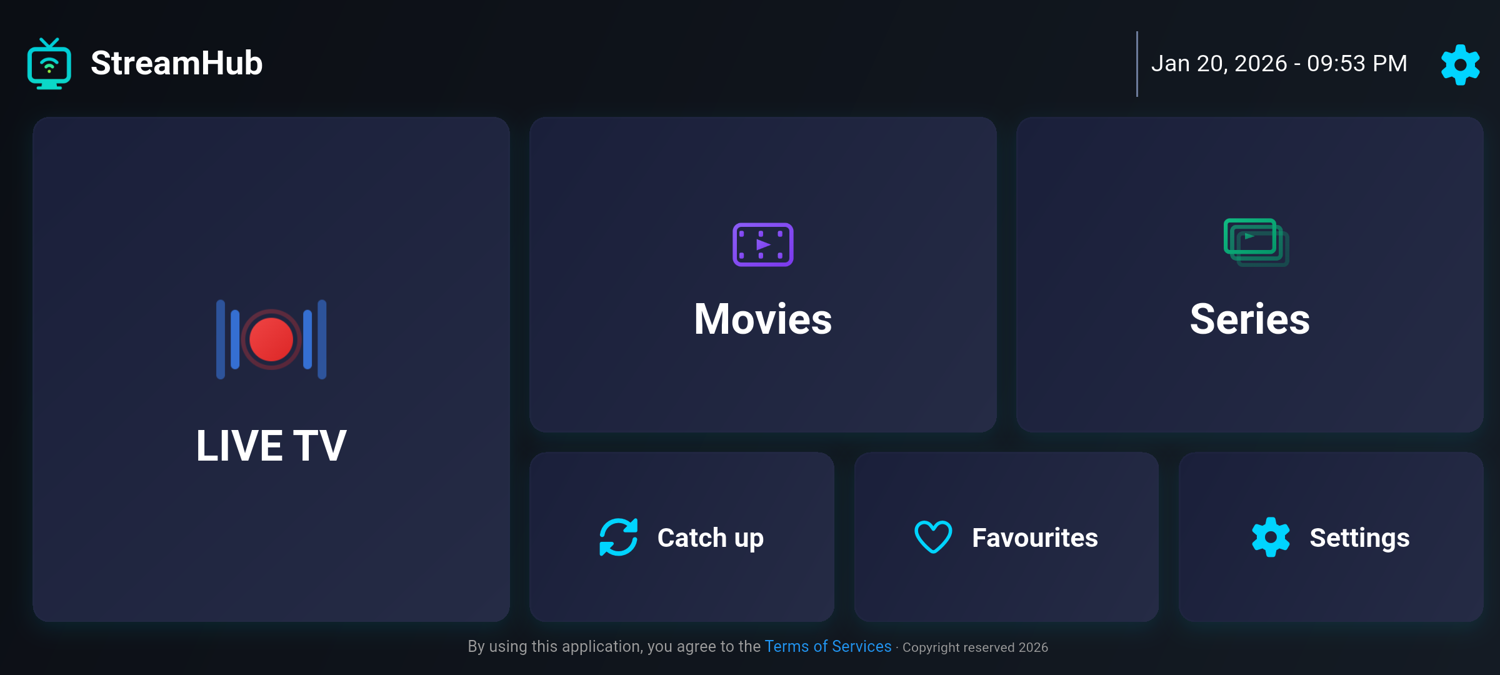
StreamHub brings your provider’s live TV, movies, and series into one player. Add an M3U playlist or sign in with Xtream Codes to get started.
Get StreamHub on Google PlayStreamHub is a player. Channels, playlists, and provider subscriptions are not included.
Use the playlist URL or account details supplied by your provider.
Browse the channels, movies, and series available in your playlist.
See programme information when your provider supplies EPG data.
Keep the channels you return to within easy reach.
The same Google Play listing supports compatible Android phones, tablets, Android TV, and Google TV hardware. Store availability still depends on the device, Android version, and region shown by Google Play.
StreamHub opens M3U playlists and Xtream account details supplied by your provider. It does not sell channels or create a subscription to television content. Keep provider credentials private and confirm the playlist is authorised for your use.
Picture quality depends on the original stream, codec support, network connection, Android device, and display. A 4K television cannot turn a lower-resolution source into 4K. For demanding streams, compare Wi-Fi and Ethernet and review the device manufacturer’s decoder specifications.
Android Premium purchases and restoration stay inside Google Play. A website TV license is separate and only applies when an installed compatible television app presents a license-key activation screen. See the setup guide or compare Android player options before installing.