
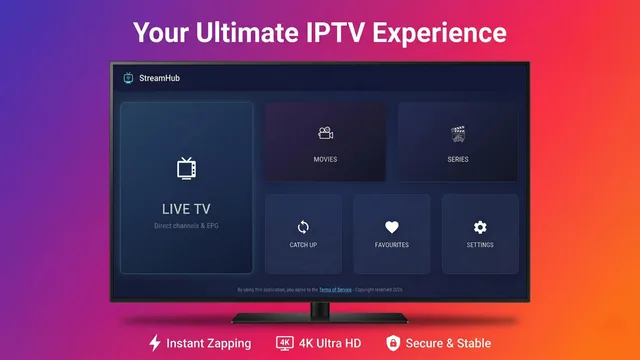
Tutorial
How to Set Up IPTV on an LG Smart TV with StreamHub
Install StreamHub from the LG Content Store, sign in with your Xtream Codes account and activate a license on webOS 23 to 26.
Read Tutorial →Practical setup notes, playback troubleshooting, and clear comparisons for Android and TV viewers.
Install StreamHub from the LG Content Store, sign in with your Xtream Codes account and activate a license on webOS 23 to 26.
Read Tutorial →
Understand Samsung Tizen installation limits, then connect the playlist details supplied by your provider.
Read Tutorial →
A guide to authorised public broadcasts, regional availability, and the connection tools viewers may choose to use.
Read Guide →
Compare provider setup, navigation, supported devices, and the everyday viewing experience.
Read Comparison →
What to check before installing a player on Fire TV, from remote navigation to playlist and playback support.
Read Guide →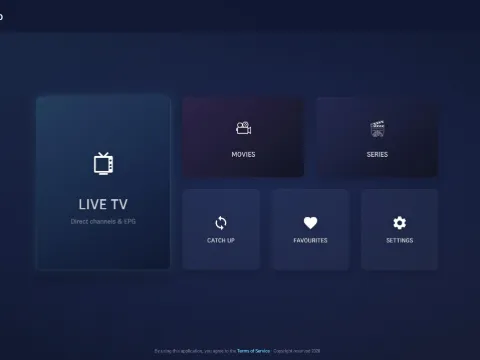
Compare their device support, playlist setup, navigation, and approach to television viewing.
Read Comparison →
Install StreamHub, add an M3U playlist or Xtream account, and review the playback settings available on each device.
Read Guide →
A direct look at playlist setup, device support, interface choices, and playback controls.
Read Editorial →
Compare Kodi's broad media-centre approach with a player focused on provider playlists and television navigation.
Read Comparison →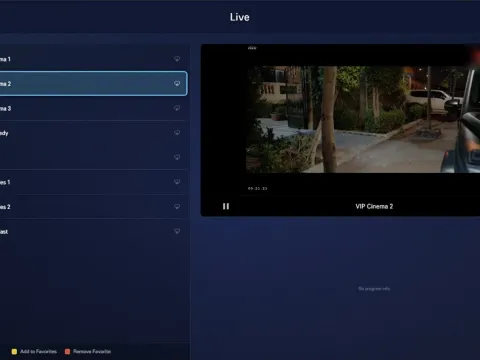
Compare five Android players by setup method, navigation, playback controls, and device support.
Read Rankings →
Check the provider, network, device, and playback settings that commonly contribute to buffering.
Read Guide →
Understand the installation and platform differences between Samsung Tizen, LG webOS, and Android TV.
Read Editorial →
Compare free Android players and the permissions, advertising, and feature limits worth checking first.
Read Rankings →
Check device, display, codec, and provider requirements before expecting 4K or HDR playback on Android.
Read Technical →