
 Passed LG App QA for webOS 23 to 26
Xtream Codes sign-in
Enter the server URL, username and password from your provider once, on the TV.
StreamHub runs on LG smart TVs with webOS 23, 24, 25 and 26. Sign in with the Xtream Codes account from your provider, try every feature free for 7 days, then keep watching with one license for up to 3 TVs.
See LG TV license plansPassed LG App QA for webOS 23 to 26
StreamHub is a player. Channels, playlists and provider subscriptions are not included.
Enter the server URL, username and password from your provider once, on the TV.
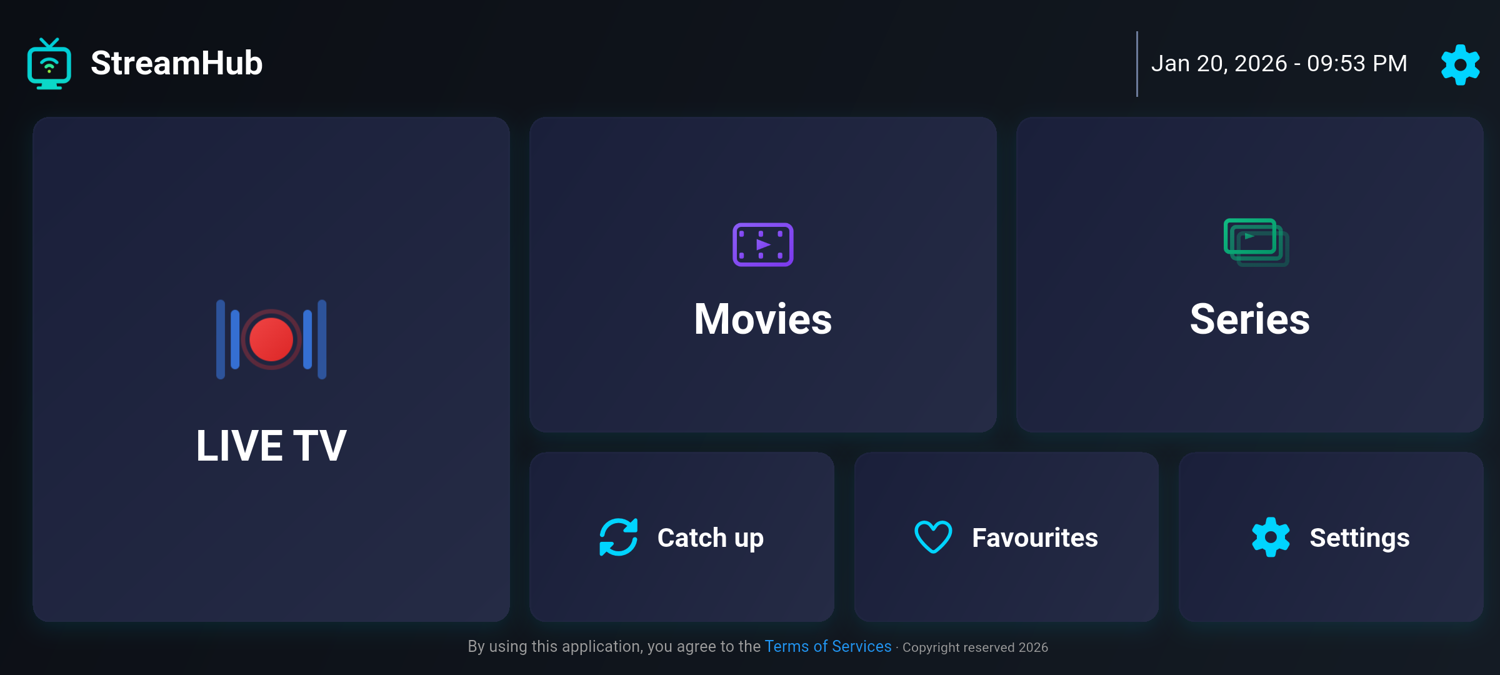
Browse your provider’s live channels, films and series from one home screen.
See what is on now and next when your provider supplies EPG data, and replay recent programmes where the provider offers catch-up.
Find a channel or title by name, and keep the channels you watch most one press away.
The arrow keys and OK move a clear focus highlight across large tiles, and Back always takes you one step up.
Categories your provider marks as adult stay out of the lists until you switch them on in Settings.
StreamHub is an LG webOS app, installed from the LG Content Store on the TV itself. Two things decide whether it will work for you: your webOS version and the kind of account your provider gives you.
StreamHub passed LG App QA for webOS 23, 24, 25 and 26. To check yours, open Settings, go to General, then About This TV, and read the webOS TV version; menu names vary slightly between years. The version matters, not the year you bought the TV. On an older version StreamHub will not appear in the store.
On LG TVs StreamHub signs in with an Xtream Codes account: a server URL, a username and a password. If your provider only sent an M3U link, it often contains all three. In http://example.com:8080/get.php?username=NAME&password=PASS, the server URL is http://example.com:8080. Otherwise ask your provider for Xtream Codes details. The Android app also opens M3U playlist links.
Choose Start free trial when you first open the app; no payment details are needed. To keep watching, buy a license on your phone or computer: €10 for one year or €25 for life, a single Stripe payment with no automatic renewal. Enter the key under Settings, then Subscription. One key works on up to 3 TVs.
StreamHub plays the HLS and MPEG-TS streams IPTV providers commonly use. The picture you get still depends on the source, your internet connection and the TV’s decoder, so a wired Ethernet connection is the safest choice for live TV. If a channel stutters, work through the IPTV buffering checklist.