Android app
Phone, tablet, Android TV, and Google TV.
StreamHub turns the M3U playlist or Xtream account from your provider into big, remote-first screens on Android TV, Google TV, Android phones and compatible LG webOS televisions.
StreamHub has separate installation and purchase routes for Android devices and compatible LG televisions.
Phone, tablet, Android TV, and Google TV.
Compatible LG televisions with a remote-friendly interface.
Try it free for 7 days on your TV. One license covers up to 3 TVs.
Website license keys are for the TV app, not Google Play Premium.
Explore the LG TV app View it in the LG Content StoreBoth versions connect to your provider.M3U playlists, Xtream Codes, and EPG data are supported.
Large type, clear focus, and short navigation paths keep the television interface readable across the room.
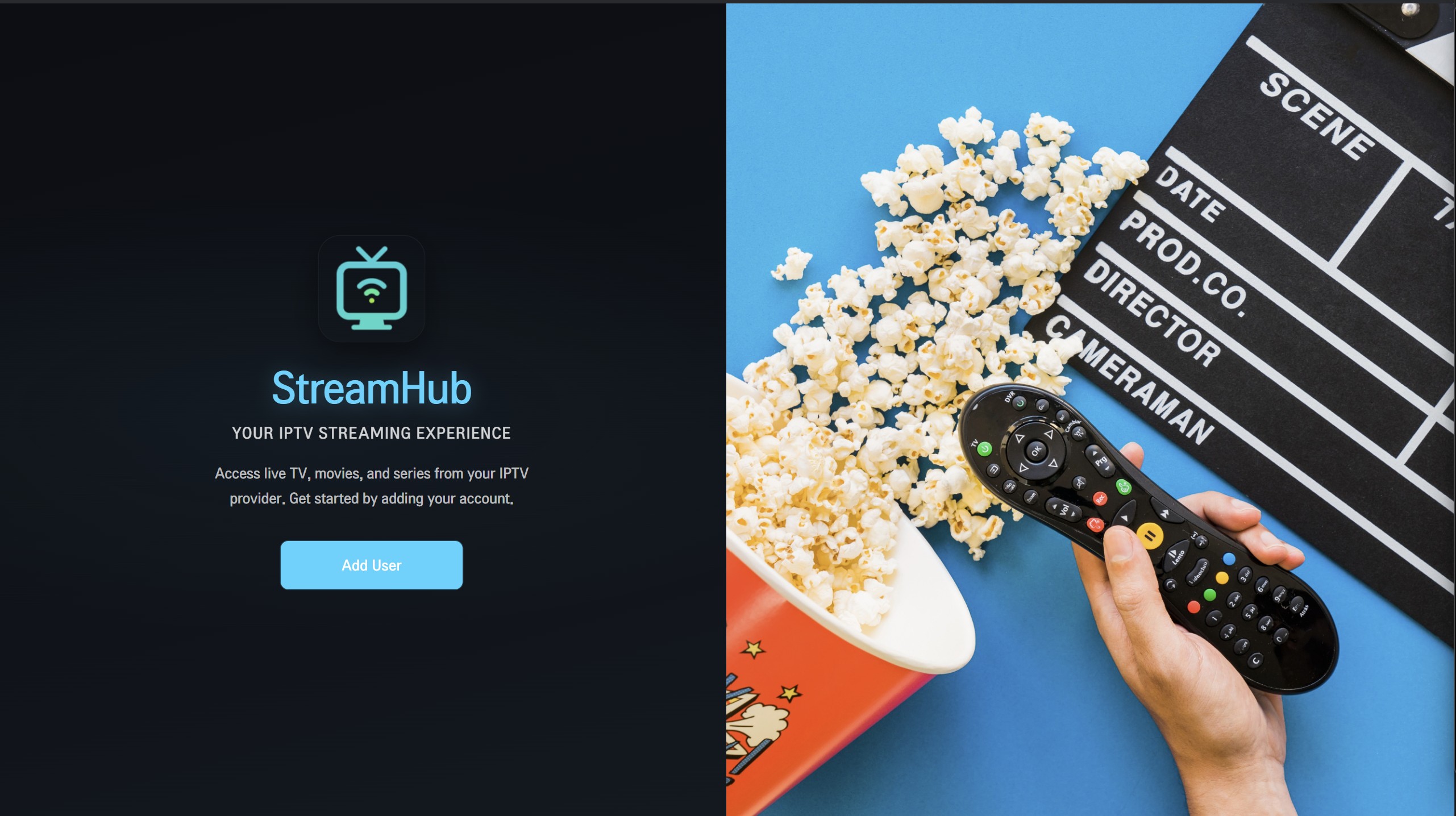
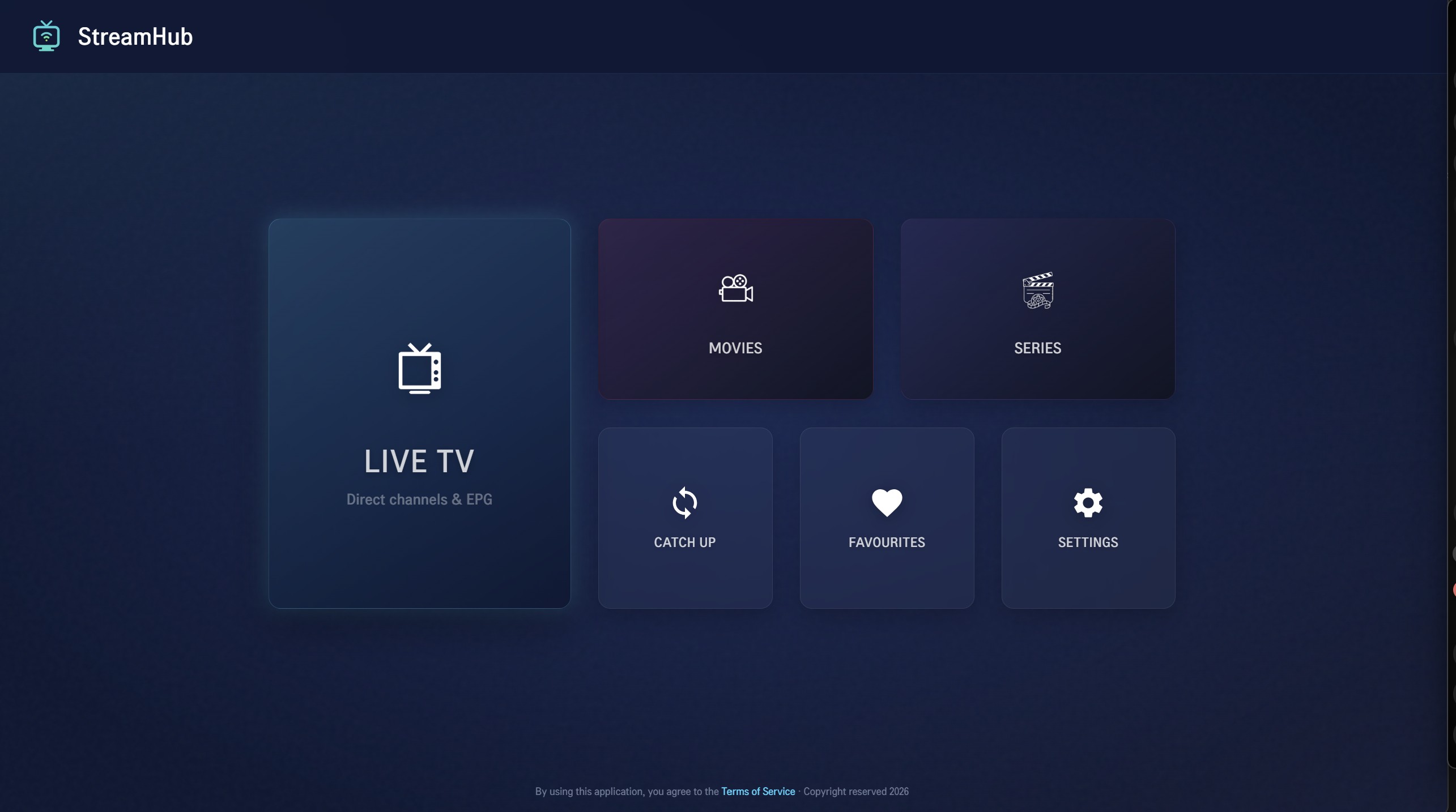
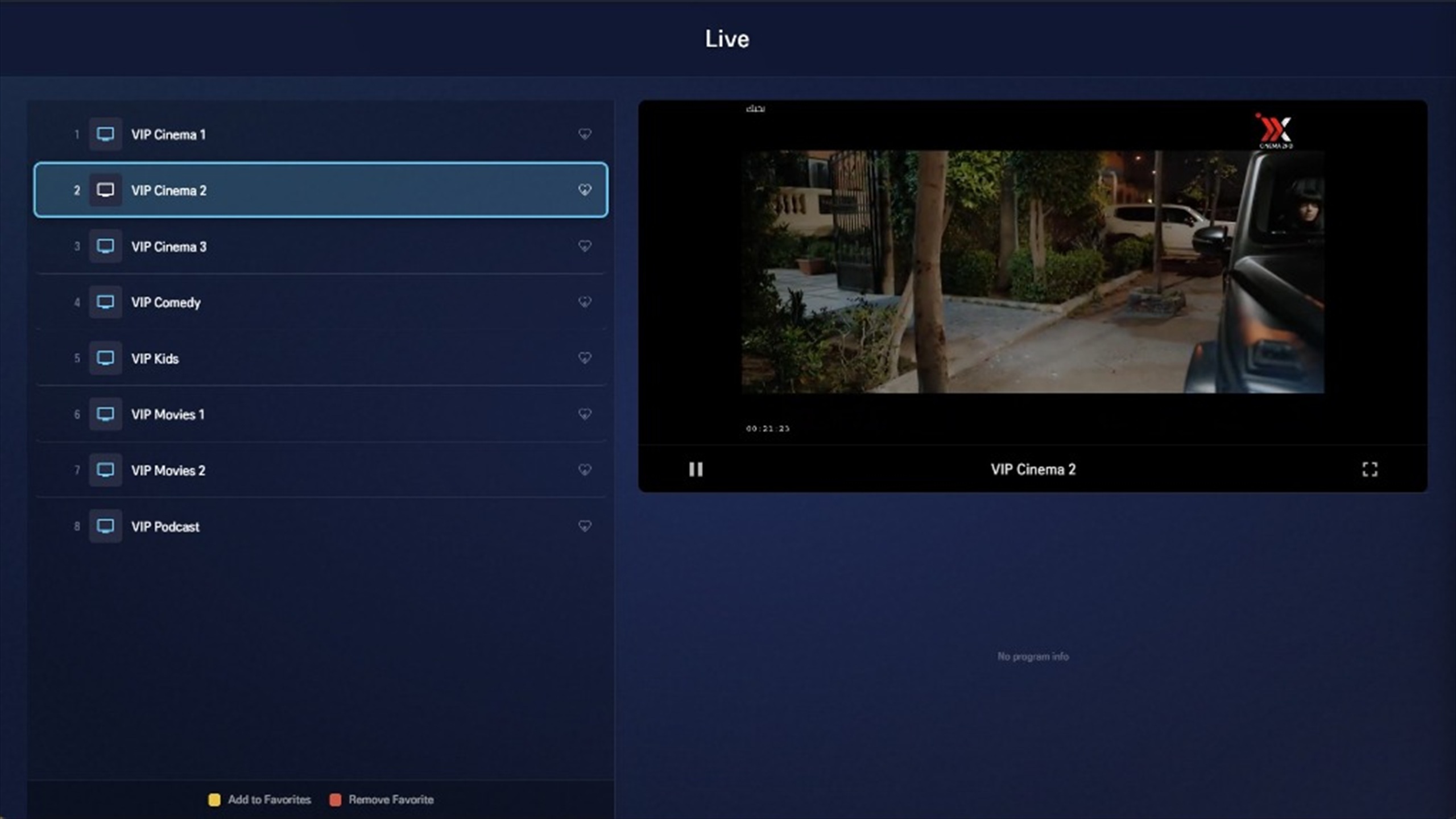
StreamHub organises the account you connect. Your provider remains responsible for the content and access.
Enter the M3U playlist or Xtream Codes details supplied by your provider.
Channels, films, series, favourites, and programme data are grouped in one interface.
Browse and play content you are authorised to access on the supported screen you choose.
Use StreamHub on Android phones, Android TV devices, and compatible LG webOS televisions.
Useful details before you add your provider.
No. StreamHub is a media player. You need your own provider credentials.
M3U and Xtream Codes are supported for easy setup.
No. StreamHub works without a VPN. If you choose one for connection privacy or troubleshooting on networks you are authorised to use, our sponsored partner is Proton VPN.
Contact us at support@streamhubplayer.com.
Step-by-step guides from the StreamHub team, for Android and LG TV.
Use Google Play for Android devices or a website license for a compatible LG television.